Getting Started
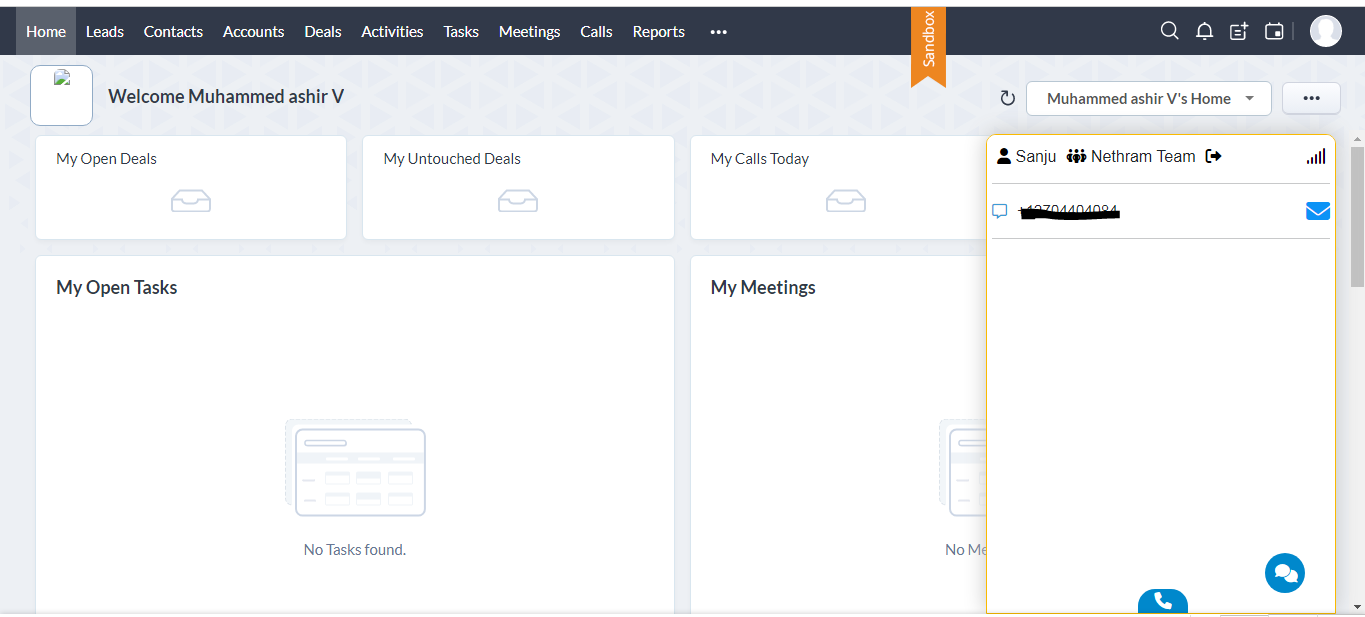
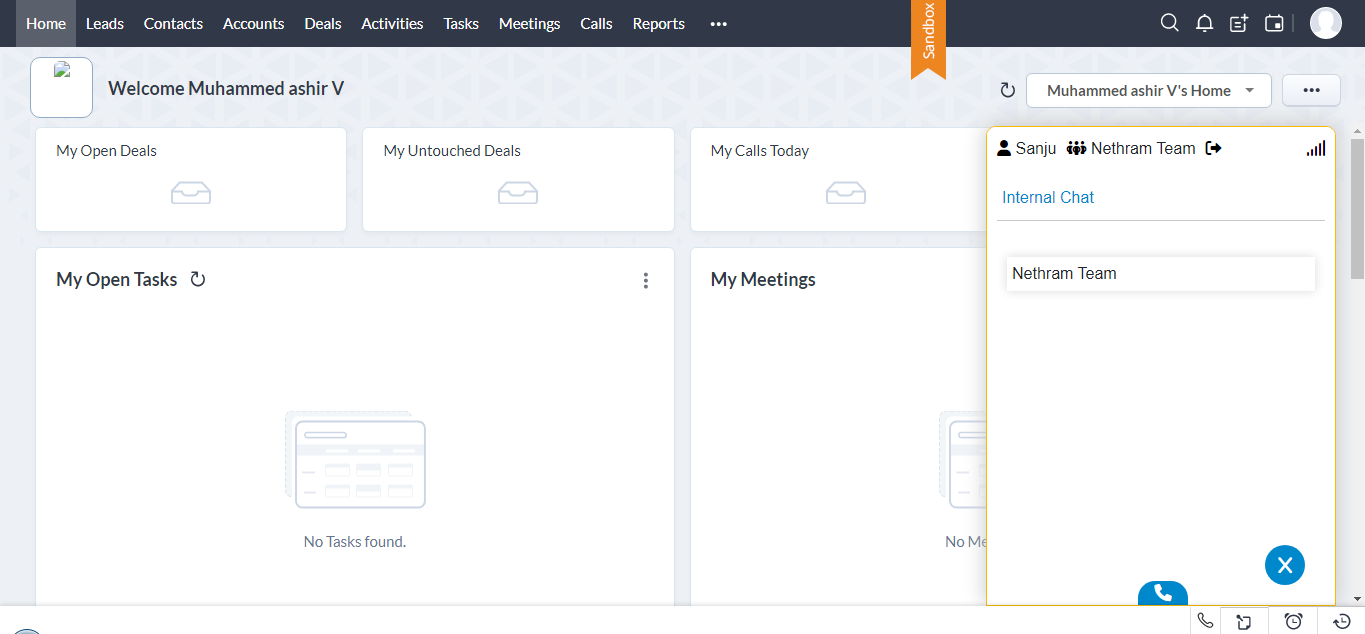
Nethram PBX Extension is a telephony wrapper for Zoho CRM. The application hosts CRM web pages in browser-style tabs and integrates telephony capability seamlessly for each tab. Once the application is configured and installed, users can start to use the Nethram PBX Extension by launching the app on their desktops. The app appears like the browser version of Zoho CRM with an additional toolbar above it.
Requirements
The web control panel is compatible with the following browsers:
It is optimized for a screen resolution of a minimum of 1024 x 786 pixels. Softphone application requires one of the following operating systems:
- Microsoft Windows
- Apple OS X
- Linux
Intended Audience
This guide is intended for anyone using the Nethram PBX system. Only basic computer skills are required.
Key concept
VoIP
Nethram Cloud PBX is an entirely fully featured Hosted PBX Business VoIP telephone system. It allows you to make and receive phone calls from the Internet and traditional telephone networks simultaneously.
Virtual telephone number
A telephone number assigned to a user can be dialed using any telephone in the world.
Extension
A four-digit long number is assigned to each user. It can be only dialed within the same organization and allows for quick access to co-workers.
Softphone
An important part of the VolP system is the Softphone program. It allows users to make and receive telephone calls (both from the Internet and traditional telephone network) directly on their PC or a laptop.
Making a Call - Nethram PBX Extension
Login
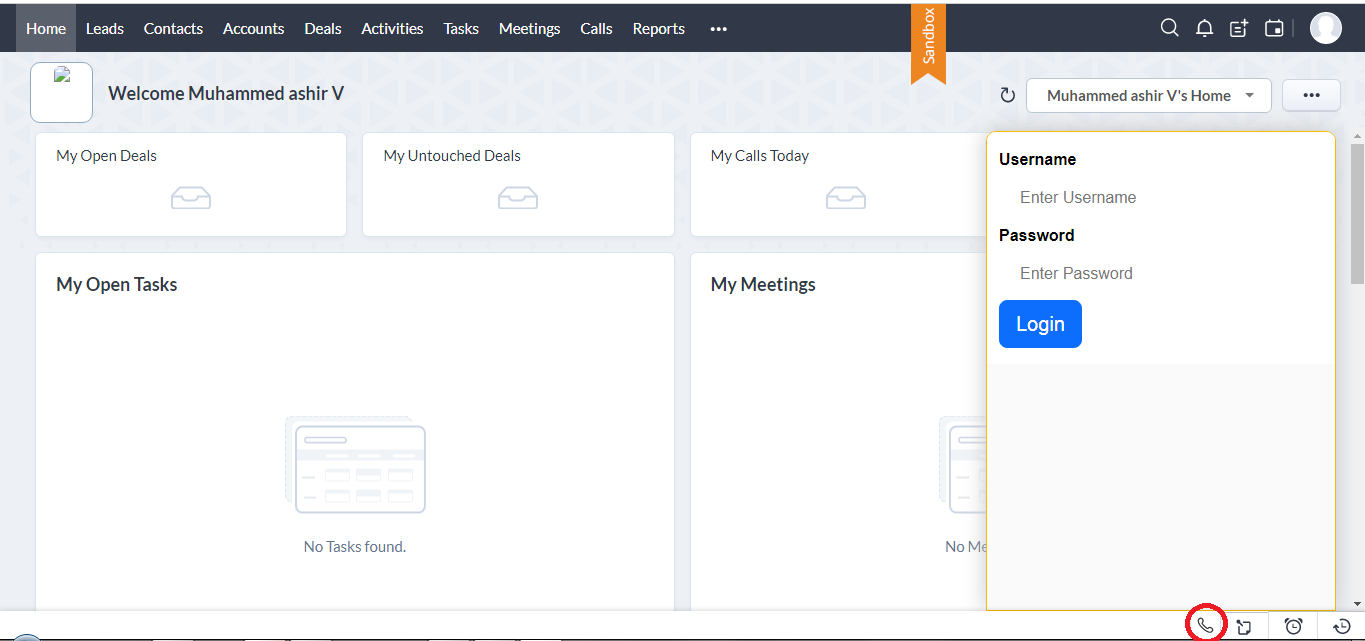
The Login Page allows the users to log in. It has two fields, the User Name, and the Password. The inputs will be compared with our User database and the password verified. Once the verification is complete, the user will proceed to the Main Menu. If the user is new, s/he should click on the "Join Now" link to provide the necessary information and be added to the database.
Dialer Keypad
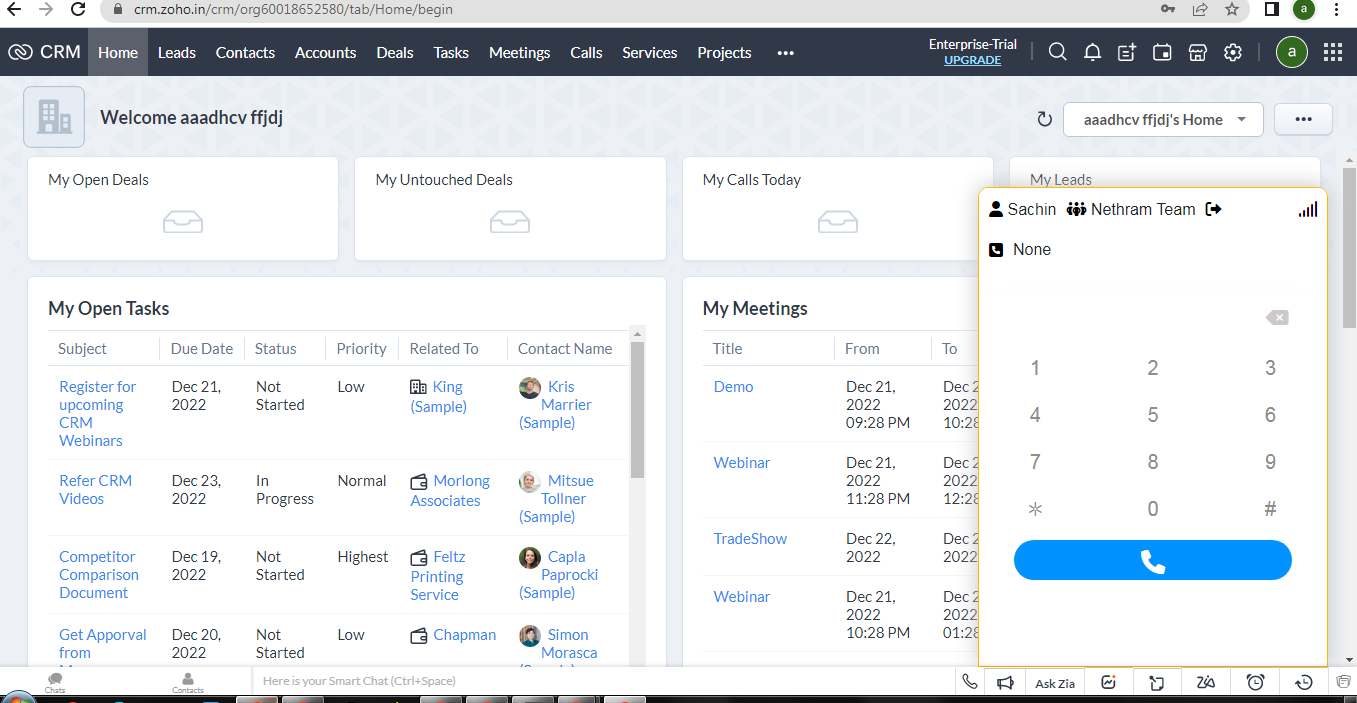
The Dialer Keypad Page allows you to make a call by simply entering the numbers.
Basic Phone Feature List
Call hold
While consulting with someone else or while transferring a call, the user needs to put the caller on hold before acting. In the meanwhile, the party put on hold is fed the Music on Hold provided in the system to make his/her wait pleasant.
Call Forwarding
Call forwarding sends every incoming call to another extension or number. The extension that is forwarded will not ring or show missed calls.
Conference Call
You can establish speech connections with up to seven parties. Only the conference leader (i.e. the person initiating the conference call) can invoke participants.
Change the volume
You can turn the volume up or down. Scroll up or down to change the volume during a call or while listening.
Call Transfer
A call transfer is an act of bumping a call from one user to another. There are two ways to transfer a call: cold (blind) and warm (attended).
Cold call Transfer
A cold transfer can also be called an unannounced transfer or a blind transfer.
Attended Transfer
A warm transfer can be referred to as an announced transfer, a hot transfer, or a soft transfer. They’re also sometimes called attended transfers.